
Tunefuse

Apple Music, your way. Right at home on your Mac.
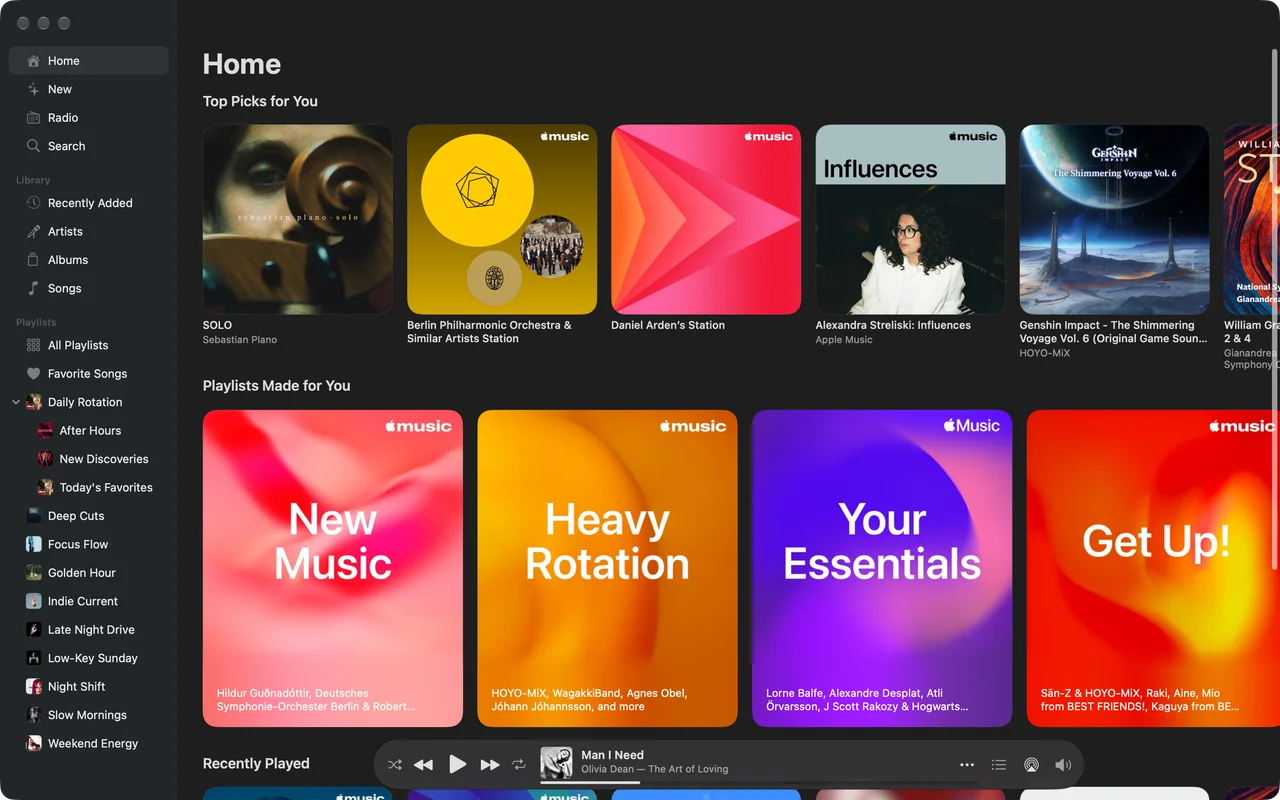
Good music. A good place to play it.
Less waiting.
More listening.
Pick your next album. Keep the music going.
Tunefuse preloads albums as you browse and keeps opened content cached for your next visit.
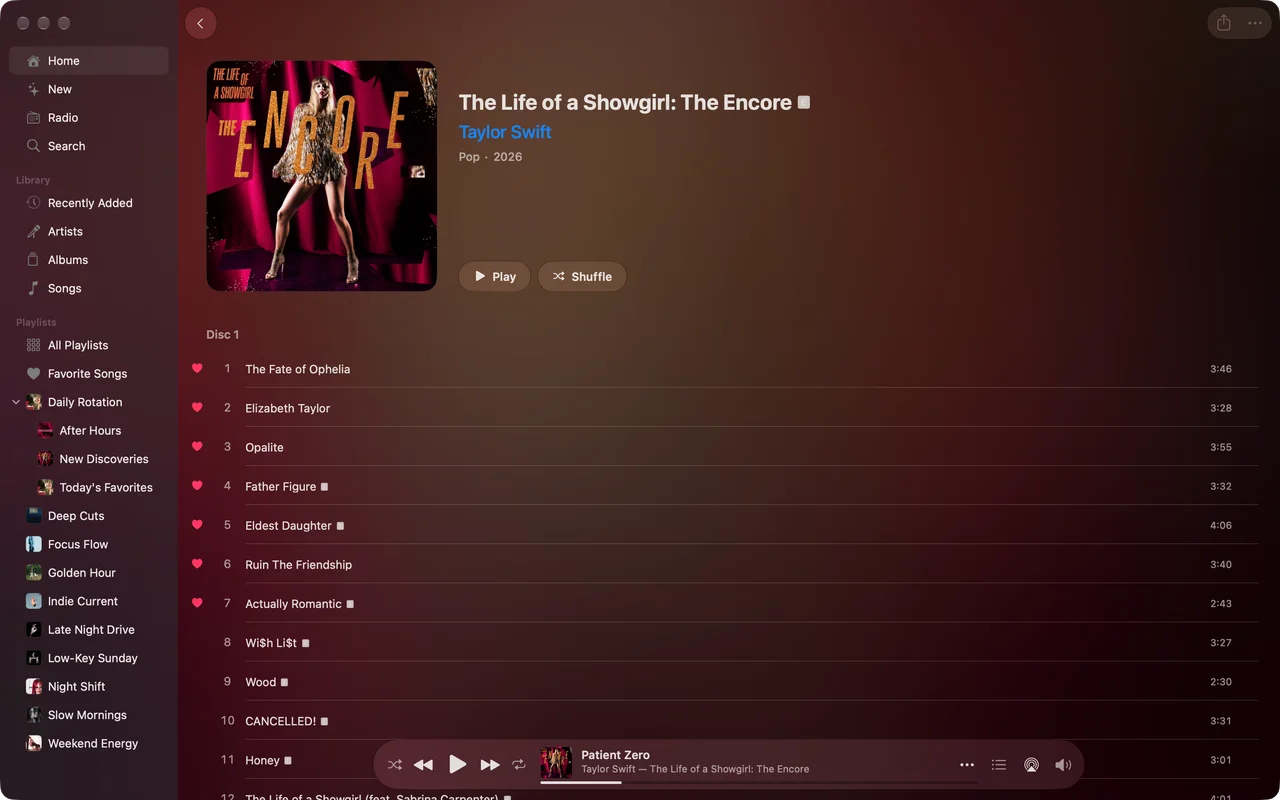
A little head start.
Albums start loading before you open them.
Back for another listen?
Content you’ve opened stays cached for when you come back.
Your library.The whole catalogue.One happy place.
Found a song you love? There’s a whole album waiting.
One album.
All the tracks.
Saved one track? Tunefuse brings your saved songs and the Apple Music catalogue album together.
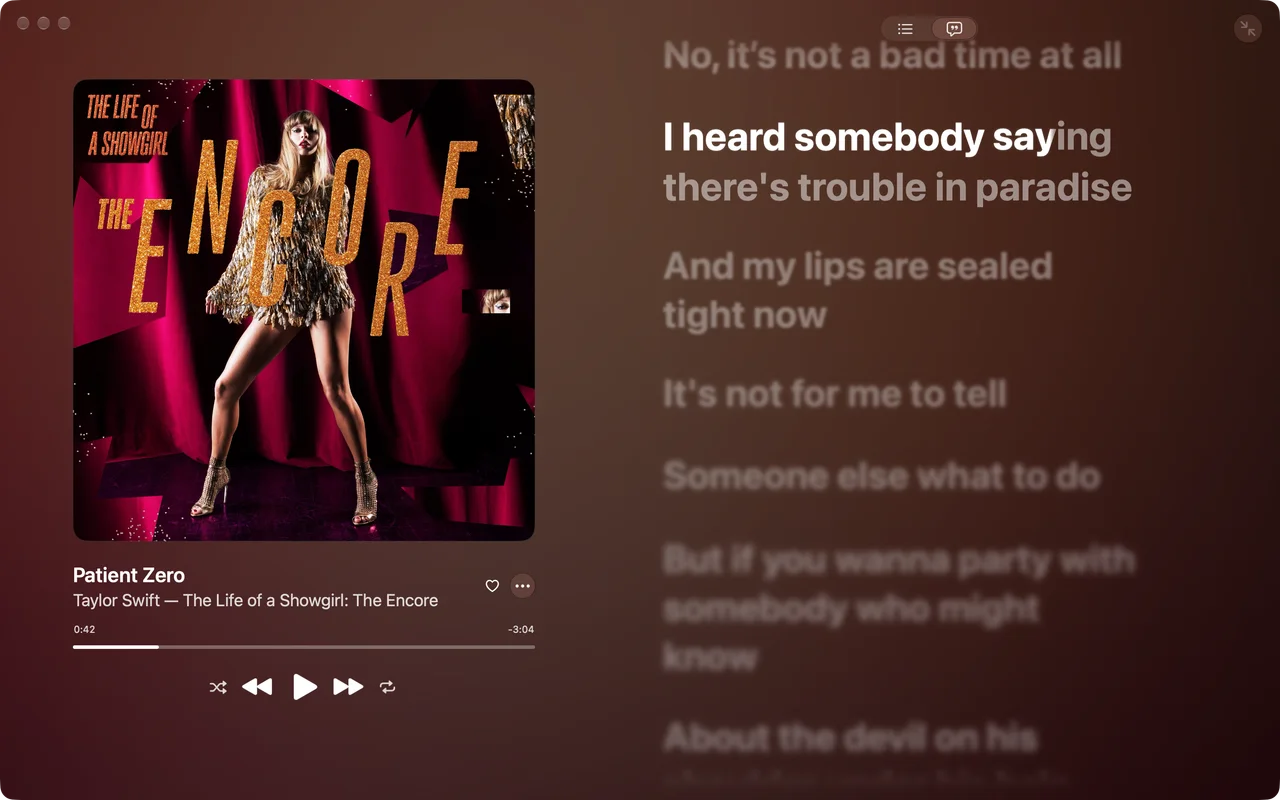
Know every word. Or wing it.
Follow along with lyrics in the full-screen player.
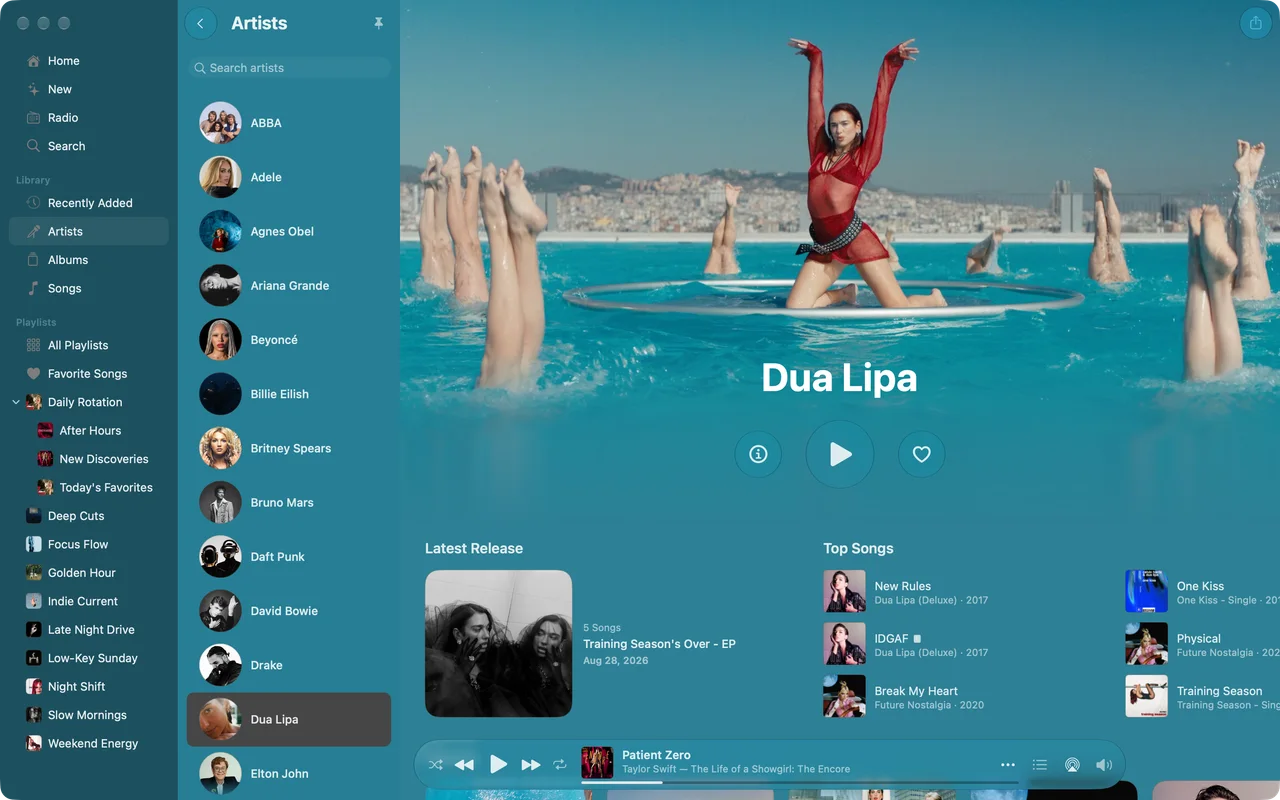
Into this artist?
Go all in.
Jump from a saved song to their full Apple Music page: latest releases, top songs and albums.
Switch the music.
Keep your flow.
Open Hotkey Window with your shortcut. Find an album, control playback, then get right back to what you were doing.
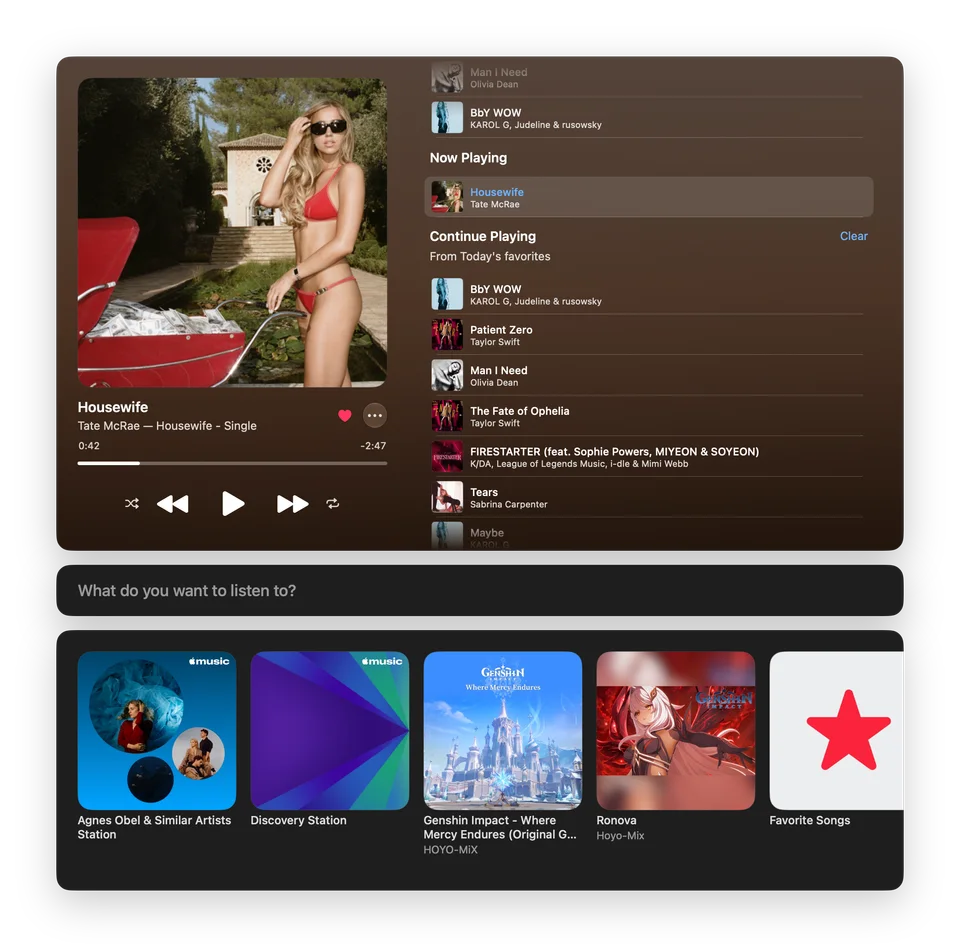
Your next track.
Right up there.
Move your pointer below the notch
to bring playback controls into reach.
For MacBooks with a notch.

All your music.
Small player. All your favourites.
Made by someone who’s always
got something playing.
I made Tunefuse for the way I listen: getting lost in albums, finding new artists and putting something on while I work. I’m still making it better. Tell me what would make it feel more like you.
Daniel Arden
Find your next favourite listen.
Bring your Apple Music into Tunefuse.
Monthly and yearly subscriptions, or a one-time Lifetime purchase. Open your preferred version for current prices and eligible trials. Purchases unlock that version only.
App Store Version
Download and update through Apple.


Direct Version
Download directly from Tunefuse.
macOS 15.4 or later
An ongoing Apple Music subscription is required.
Before you
press play.
Which Macs does Tunefuse support?
Tunefuse requires macOS 15.4 or later. The notch player is available on MacBooks with a notch.
Do I need Apple Music?
An active Apple Music subscription is required to play music from its catalogue. It’s sold separately and isn’t included with Tunefuse.
How much does Tunefuse cost?
Choose monthly, yearly or Lifetime access. Open your preferred version for current prices and eligible trials. Purchases unlock that version only. Apple Music requires a separate subscription.
Which version should I get?
Direct Version includes AirPlay, audio routing and audio-file import. App Store Version doesn’t include these extras and handles purchases and updates through Apple. Need help installing? Contact me at hello@tunefuse.app .